How It Works
From a list of orders to a complete delivery record.
Trackely keeps the office, drivers, and customer updates connected from the moment an order arrives until the proof of delivery is filed.
Step 1
Build routes and send the work
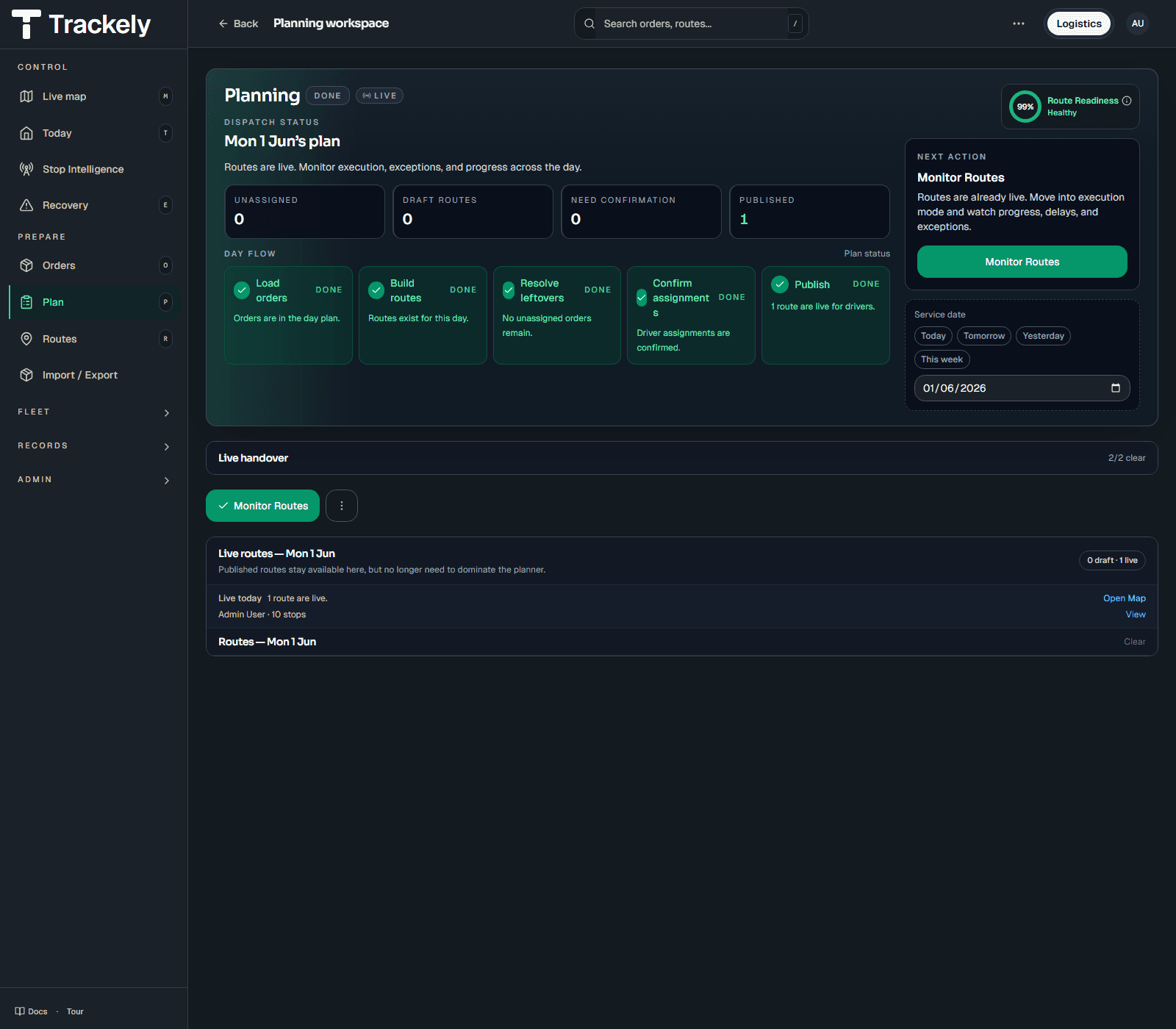
Import or enter orders, put them into routes, add drivers and vehicles, then fix anything missing before sending the work out.
Step 2
Follow active deliveries
See what has started, what is late, what has failed, and which driver needs help. Finished routes leave the live view automatically.
Step 3
Help drivers at difficult stops
Show where to park, which entrance or unloading point to use, what the site looks like, and how to reach the delivery point on foot.
Step 4
Keep proof and past routes
Store photos, signatures, notes, delivery results, and useful site details so the office can answer questions and the next driver is better prepared.
In Practice
The whole delivery stays together.
Orders, route changes, driver notes, delivery problems, photos, and signatures stay connected, so the team does not have to search through separate systems later.
Next Step
See how it would work with your delivery day.
Bring a real route, one awkward stop, and your current handover process. A short walkthrough is usually enough to see where Trackely fits.